
How to Create an Account on Basement
Learn how to create an account using email, wallet, or social login to access your basement.fun profile.
You can sign up using an EVM wallet, email, phone number (SMS), or a social account like Google, Apple, Discord, Telegram, or Farcaster.
Step-by-Step: Creating Basement Account
Navigate to basement.fun
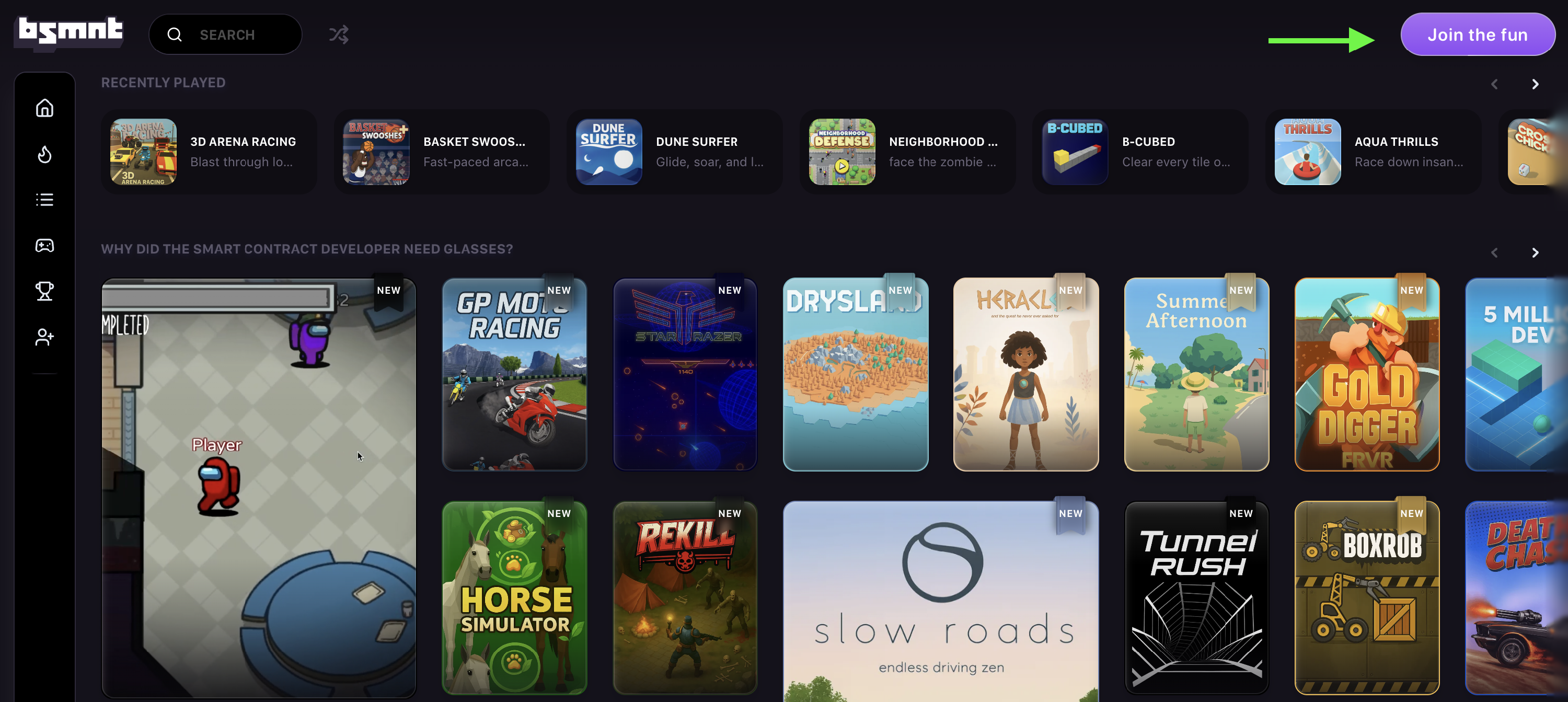
Go to basement.fun and click Join the fun.
Choose your login method
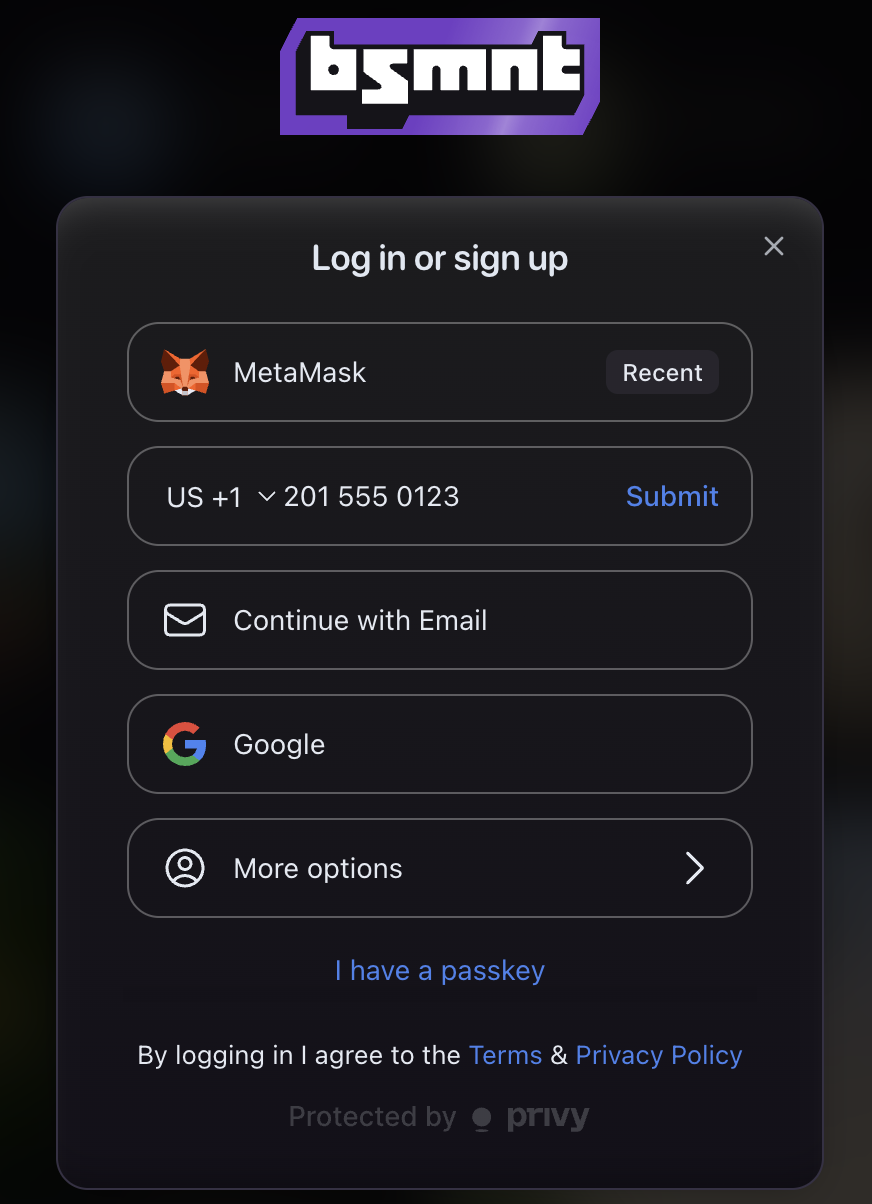
Choose your preferred login method. You can click More options to see additional login methods.
- EVM Wallet (e.g. MetaMask or Rainbow)
- Email or Phone Number (SMS)
- Social Account (Google, Apple, Discord, Telegram, or Farcaster)
Confirm your login method
Follow the prompts to confirm your login method. This might include connecting your wallet, verifying your email, or approving access through a social account.
Note
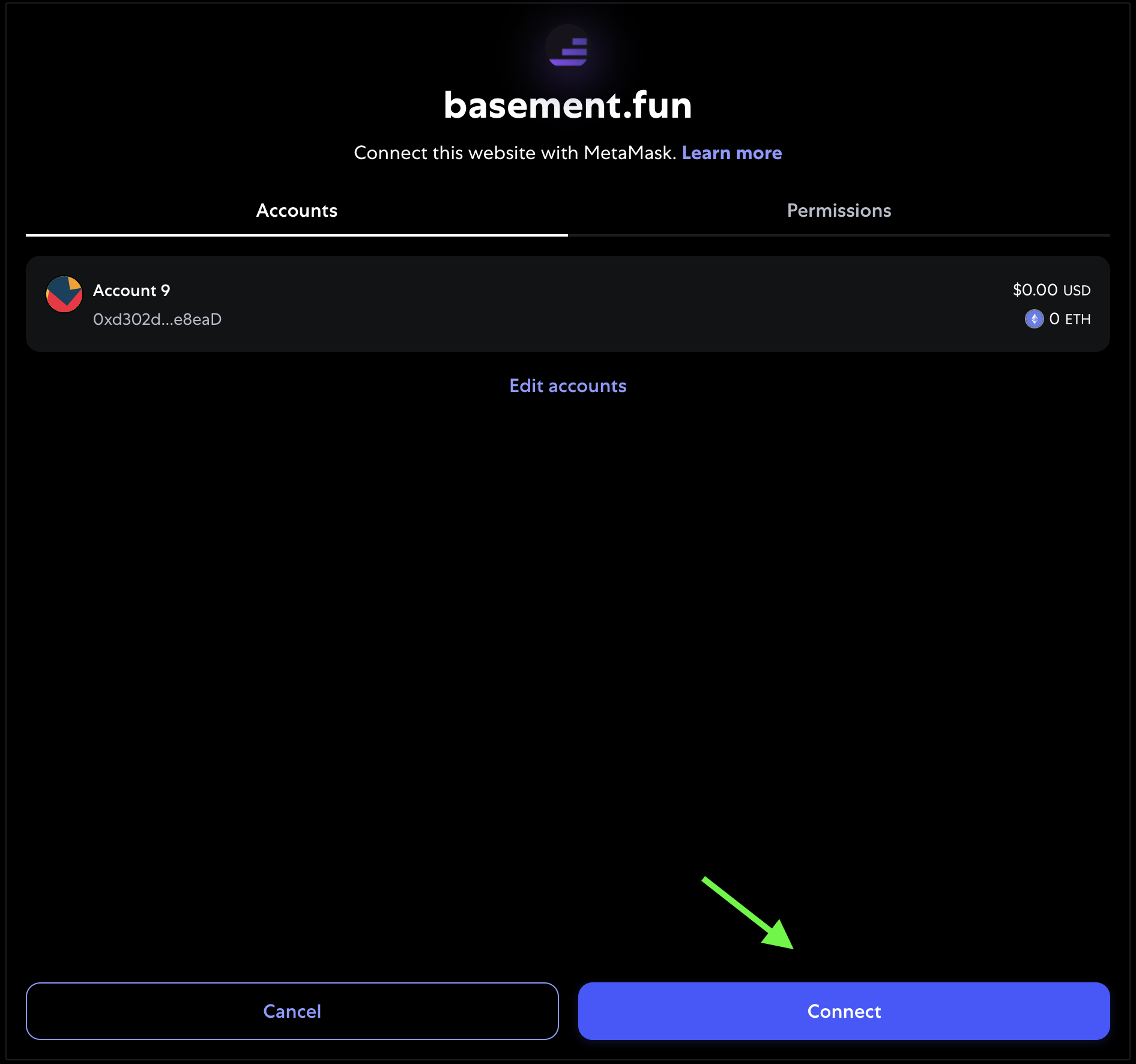
Example: If you're using an EVM wallet like Metamask, you'll see a screen like this when confirming your connection:
Check
Once confirmed, your B3 account will be created and ready to use across all B3 platforms.